Text size
Line height
Text spacing
PPN Learn has three enrollment options for content on the site.
Content set to "Open Access" does not require you to have an account or log in. Example Open Access content.
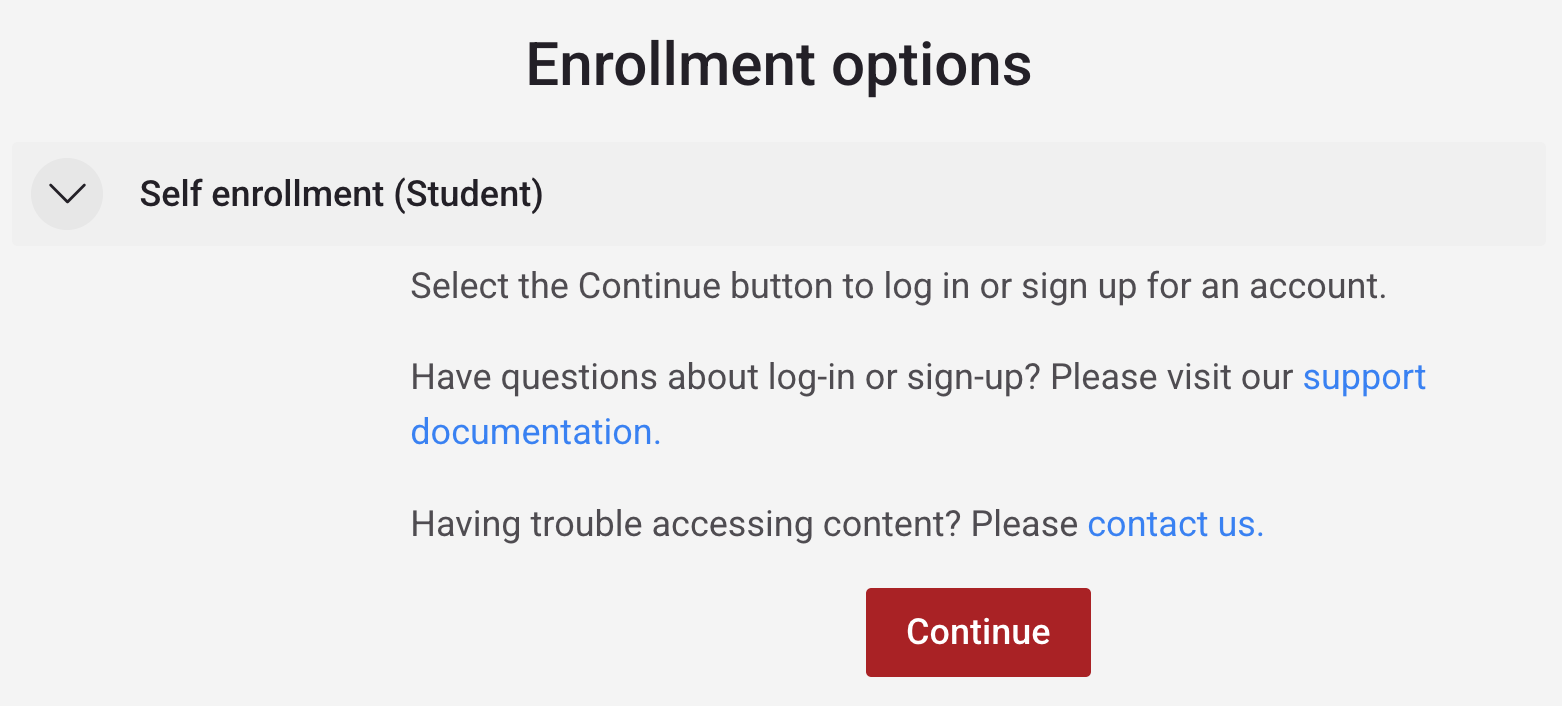
Content set to self-enrollment require you to log in. Select "Continue" button to log in or sign up for an account and enroll yourself. You do not need to contact anyone to be added to the content. This option is used primarily for self-paced modules and courses for you to track your progress and to allow content creators to gauge enrollment interests. Example self-enrollment content.
Content set to facilitator-enrollment require you to log in and for you to be added to the participant list by your teacher or admin. This option is used primarily for cohort-based courses.
Once you confirm that you have been added to the participant list, you may log in and access the content from "My courses" tab. If you need help getting added to the participant list, please contact us. Example facilitator-enrollment content.

