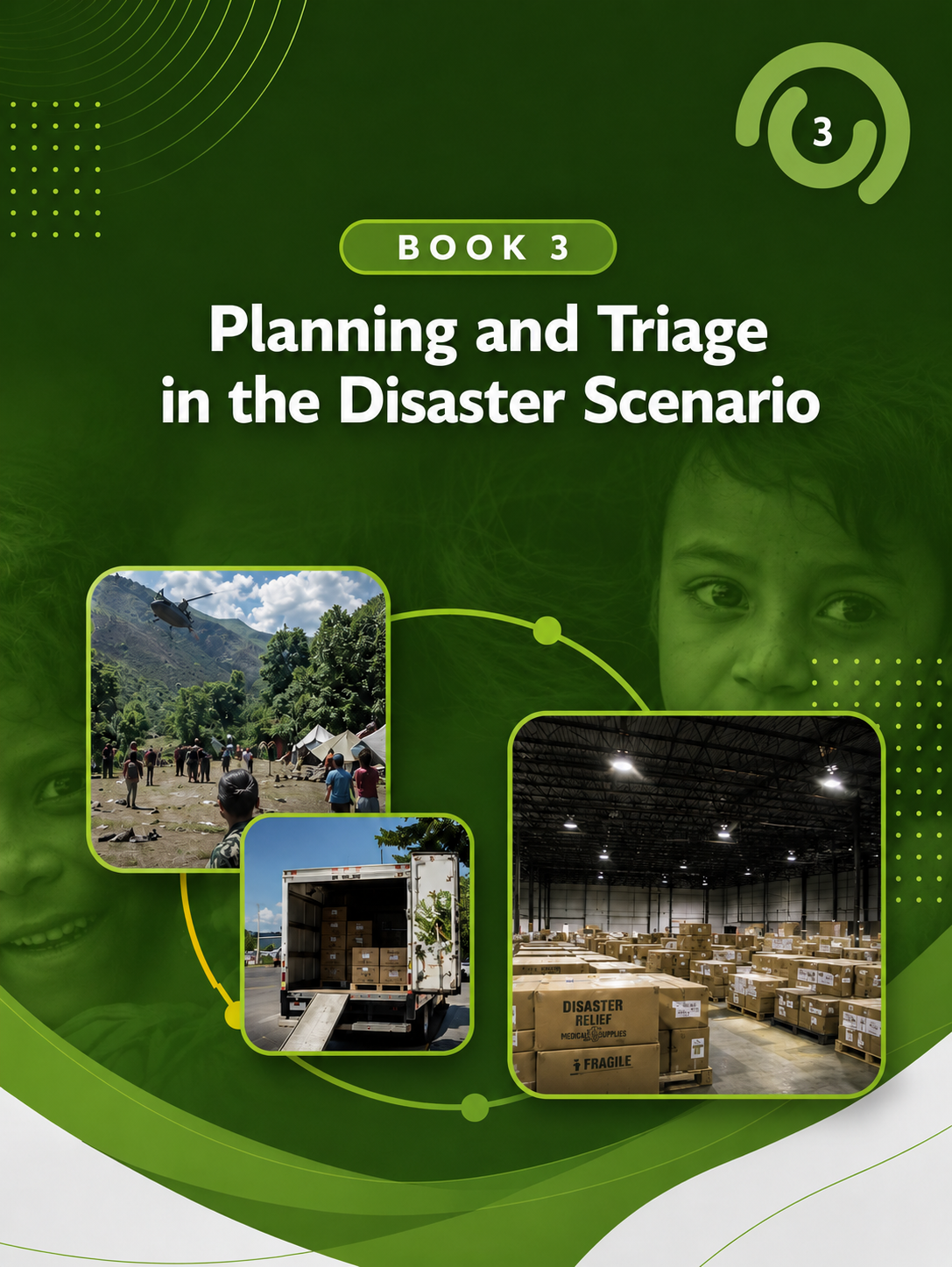
-
Module 3: Learning Objectives
- Discuss the components of disaster planning.
- Discuss the emergency response and organization needed for mass casualty incidents (MCI).
- Identify ways that families, schools, and shelters can be prepared to protect and support children in the event of a disaster.
-
-
-
There are two videos below which are required for CE: General Information and the tutorial.
Module 3: Planning and Triage in the Disaster Scenario
What this video covers: Learn how to plan for disasters and manage mass casualty incidents using coordinated systems, clear roles, and triage methods to prioritize care.
Why it matters: Effective planning and triage prevent healthcare systems from becoming overwhelmed and ensure the greatest number of lives are saved during high-impact emergencies.
Questions to keep in mind while viewing:
-
How does disaster planning reduce chaos and improve coordination during an emergency?
-
What principles guide triage decisions when resources are limited?
-
How do different roles and systems work together from the disaster scene to the hospital to manage patient flow?
-
-
Module 3 Tutorial: Planning and Triage in the Disaster Scenario
What this video covers: Understand how to apply triage systems, including START and JumpSTART, across multiple points in a disaster response using real-world case scenarios.
Why it matters: Accurate and rapid triage ensures that limited resources are used effectively to prioritize patients most likely to benefit from immediate care.
Questions to keep in mind while viewing:
-
How do triage categories (Green, Yellow, Red, Black) guide treatment and transport decisions?
-
What differences exist between adult and pediatric triage, and why do they matter?
-
How does patient reassessment across different stages of care impact outcomes?
-
-
-
-
-
-
Take a deeper dive into the concepts for module 3 with the multimedia interactive book.
-
-
-
I’ve completed all required elements for Module 3: Planning and Triage in the Disaster Scenario.
Earn 2.0 PPN Contact Hours / CE Credit + Certificate of Completion
Claim My Credit or Certificate
To claim credit:
Step 1: Log in to PPN CE or create an account if you are a new user. Be sure to select your profession during account setup.
Step 2: On the PPN CE course page, click the blue Register button, then the red Take Course button, followed by the red Start Course button.

Step 3: Enter your attendance code VODGEW
Step 4: Follow the prompts to complete the quiz and evaluation until the page reads "Course Complete."
Once complete, your credit and/or certificate will be available under My Activities → Completed Activities.
Start on the course page here.
Please see our guide for detailed instructions with screenshots and a link to request additional support, click here.