• Module 1 Learning Objectives

    • Describe phases of disaster management.
    • Recognize events that can lead to disasters and humanitarian emergencies.
    • Recognize the available resources, strengths, and limitations of organizations that may respond to a humanitarian emergency.
      • Video Lecture (Required for CE)

        • Disasters and their Impacts on Public Health

          What this video covers: Explore the key public health concepts of disasters, including hazard, risk, vulnerability, and capacity, and outlines the phases of disaster management.

          Why it matters: Understanding these concepts helps responders recognize why some events become disasters and how to better prepare for, respond to, and reduce their impact, especially in low-resource settings.

          Questions to keep in mind while viewing:

          • How do hazard, vulnerability, and capacity interact to influence disaster impact?

          • Who are the most vulnerable populations in disasters, and what specific risks do they face?

          • How do the phases of disaster management work together to improve outcomes before, during, and after a disaster?


          Download Transcript

      • Interactive Book (Required for CE)

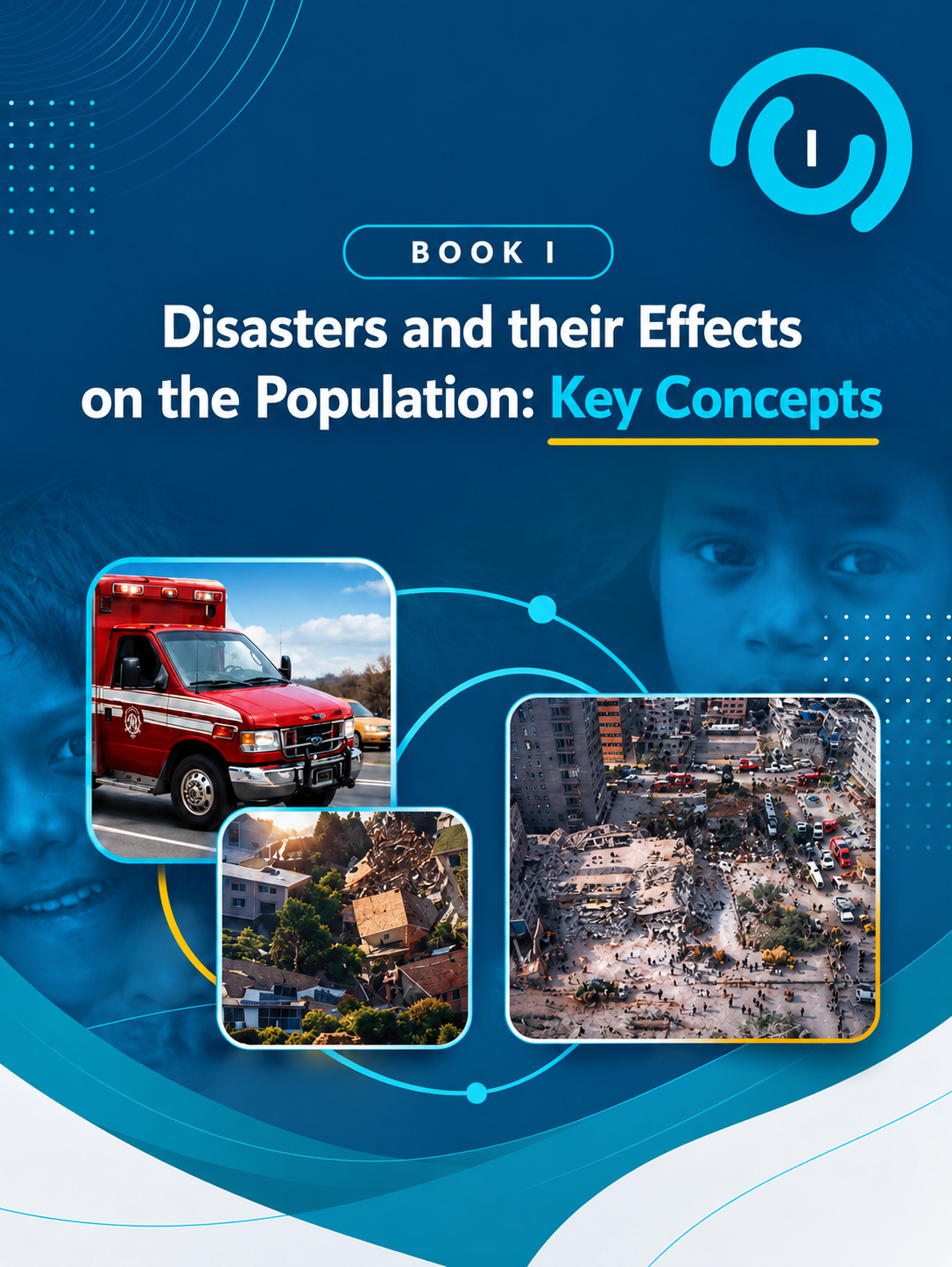
        • Take a deeper dive into the concepts for module 1 with the multimedia interactive book.

          Launch the Interactive book

    • I’ve completed all required elements for Module 1: Disasters and Their Impacts on Health.

      Earn 1.0 PPN Contact Hour / CE Credit + Certificate of Completion

      Claim My Credit or Certificate

      To claim continuing education credit, you will need to log in or create an account on PPN CE and select your profession.

      Step 1: On the course page, click “Take Course” then “Start Course.”

      Step 2: Enter your attendance code YOFDAF.

      Step 3: Follow the prompts to complete the quiz and evaluation until the page reads “Course Complete.”

      Once complete, your credit and/or certificate will be available under My Activities → Completed Activities.

      Start on the course page here .

      Please see our guide for detailed instructions with screenshots and a link to request additional support, click here.