Text size
Line height
Text spacing
Your PPN account allows seamless access to all PPN platforms (Learn, Resource Central, Continuing Education, Analytics, etc.) To log in, select the log in button for the platform and you will land on the log in page.
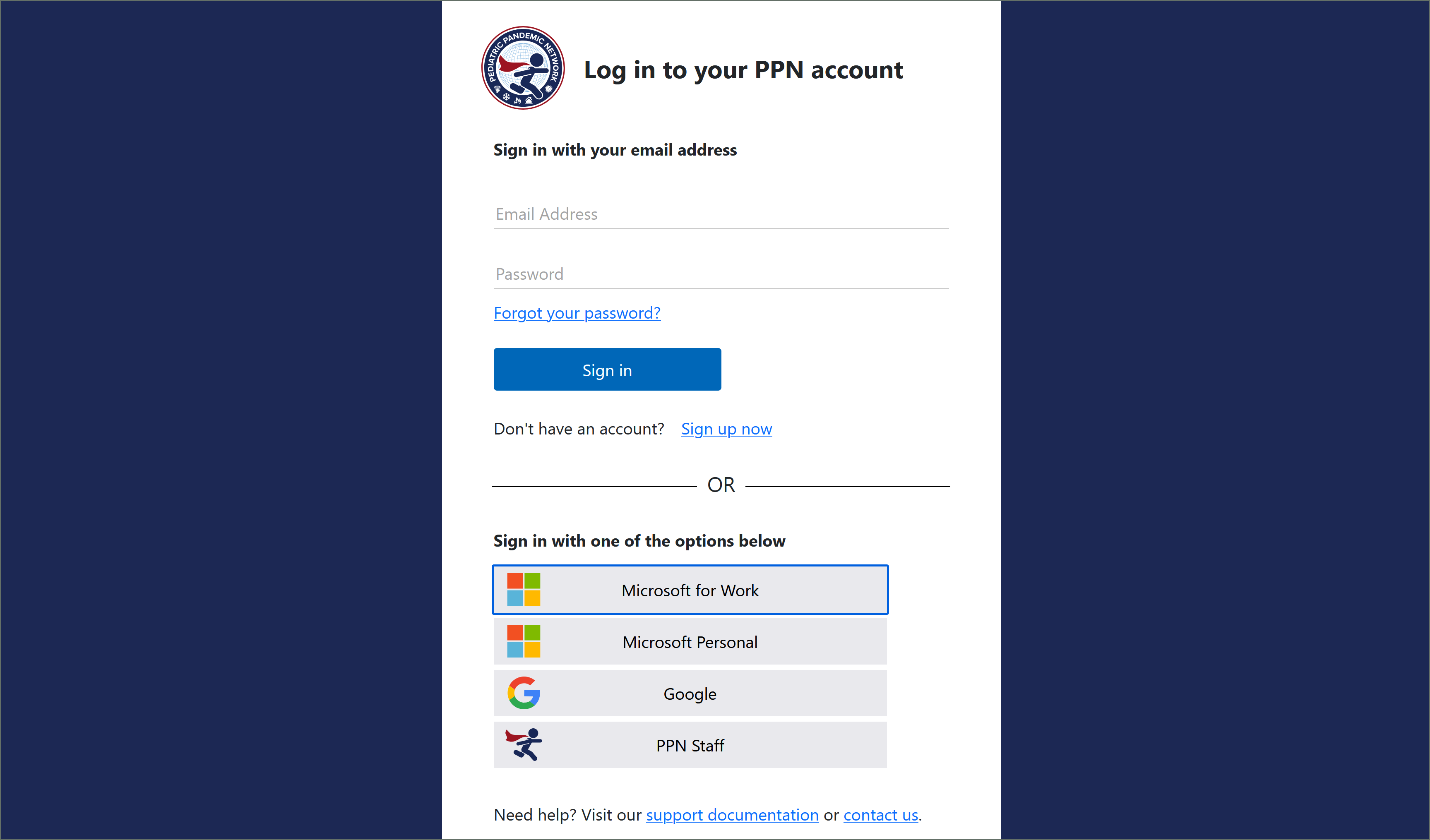
There are 5 ways to sign up for a PPN account or log in.
You may use an email to sign up for an account or log in.
To create a new email account, select the "Sign up now" link and complete the form provided. You will need to verify the email you would like to use before creating an account.
If you have a Microsoft account for your work, you may use Microsoft for Work option to sign up for an account or log in.
This login requires your workplace IT to allow for your account to be used for single sign on applications. Note: If this option does not work, try creating an account using your Microsoft email instead (see option 1 above).
If you have a personal Microsoft account (@live.com; @outlook.com, @msn.com, @hotmail.com), you may use Microsoft Personal option to sign up for an account or log in. You cannot use any work or school accounts for this option.
If you have a personal or workplace Google account (@gmail.com or Workspace domain), you can use Google option to sign up for an account or log in.
If you are a PPN staff and have a PPN email account (@pedspandemicnetwork.org), you can use the PPN Staff option to sign up for an account or log in.
If you are not sure if you have a PPN staff account, please submit a support request and we can help you verify your account. Alternatively, you may use one of the other options on this page.
